Nowadays, instant messaging apps have become essential tools for daily chatting, file transfers, calls, and staying socially connected. Among many similar applications, WhatsApp remains one of the most popular apps in the world, favored for its simple design, reliable communication features, and continuous updates. With more users looking for personalized experiences and unique interface styles, options like WhatsApp Plus blue colour have gained attention among people who want to customize their messaging environment while enjoying the familiar features of WhatsApp.
At the same time, modified versions of the app, such as Blue WhatsApp, have also gained popularity among some users who want greater customization and control over their communication experience. Compared to the original WhatsApp, Blue WhatsApp focuses more on personalization settings, privacy options, and interface adjustments.
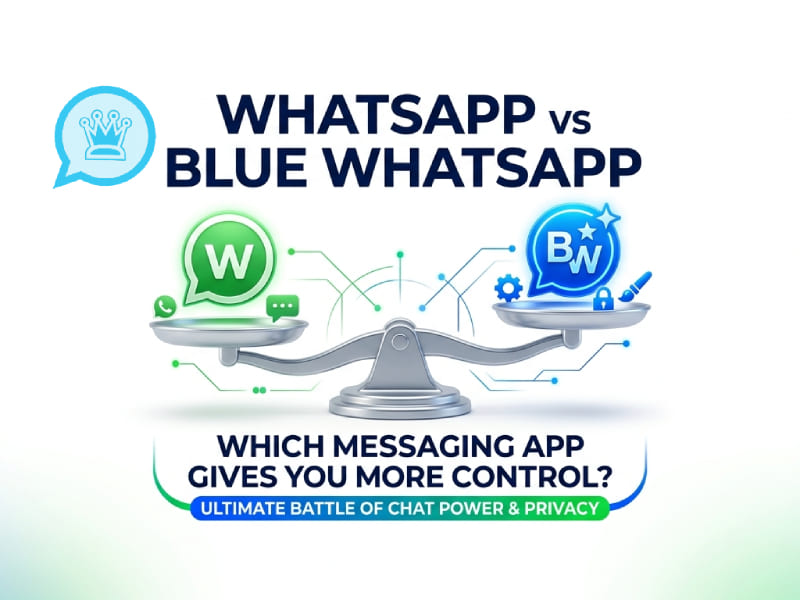
So, between WhatsApp and Blue WhatsApp, which app gives users more control? We have compared the battery & RAM before. This article will compare and analyze these two apps from multiple dimensions, including customization features, privacy settings, media sharing, interface design, and daily user experience.
What Is WhatsApp
WhatsApp is a popular instant messaging app that allows users to send messages, share photos, videos, and documents, and make voice or video calls.
The app is dedicated to providing a simple and convenient communication experience. With features such as group chats, status updates, and multi-device support, WhatsApp helps users stay connected with family, friends, and teams in their daily lives.
Its simple design and easy-to-use features have made it one of the most widely used instant messaging applications in the world.
What Is Blue WhatsApp
Blue WhatsApp is a modified version of WhatsApp that adds more personalization options and additional controls compared to the standard app.
Blue WhatsApp’s core philosophy is to give users greater freedom to customize how the app looks and functions. As a modified messaging solution, Blue WhatsApp messenger focuses on providing more personalization options, including additional themes, interface customization features, and more granular control over specific chat settings, allowing users to adjust their messaging experience based on their own preferences.
Some common features users look for in Blue WhatsApp include:
- Custom themes and colors
- Different home screen styles
- More chat appearance options
- Additional privacy controls
- More file and media settings
- Extra customization choices
Blue WhatsApp abandons the cookie-cutter design and allows users to create a more personalized instant messaging environment.
WhatsApp vs Blue WhatsApp: Feature Comparison
| Feature | Blue WhatsApp | |
| Interface customization | Limited | More options |
| Theme changes | Basic | Advanced |
| Chat appearance settings | Few options | More controls |
| Privacy settings | Standard tools | More choices |
| Media sharing options | Common functions | More flexibility |
| User experience | Simple and clean | More personalized |
| Ease of use | Very easy | Requires more adjustment |
The main difference is that WhatsApp focuses on simplicity, while Blue WhatsApp focuses on giving users more control over how they use the app.
Customization: Which App Gives More Personal Options
Customization is one of the biggest differences between WhatsApp and Blue WhatsApp.
WhatsApp Customization
WhatsApp provides some basic customization features. Users can:
- Change chat wallpapers
- Select different notification settings
- Use different sticker packs
- Adjust some chat preferences
These options are sufficient for users who only want to make minor adjustments. The overall design remains unchanged for all users.
Blue WhatsApp Customization
Blue WhatsApp provides more ways to change the appearance of the app. Users can usually adjust:
- App colors
- Chat backgrounds
- Fonts
- Icons
- Menu styles
- Theme designs
For users who like to customize apps to their personal style, Blue WhatsApp offers greater flexibility.
In terms of personalization, Blue WhatsApp gives users greater control by offering a wider range of visual settings options.
Privacy Controls: Comparing User Settings
Privacy is a key component of modern instant messaging apps. Users often want more control over how their activities are presented.
WhatsApp Privacy Features
WhatsApp includes several privacy settings, such as:
- Controlling who can see profile information
- Managing last seen settings
- Adjusting status visibility
- Blocking unwanted contacts
- Controlling group invitations
These features are designed for everyday users and are easy to manage.
Blue WhatsApp Privacy Options
Blue WhatsApp is known for offering more comprehensive privacy options. Depending on the version, users may find more settings related to the following:
- Chat visibility
- Online activity control
- Message display preferences
- Additional personal settings
For users who enjoy fine-tuning the details of their instant messaging experience, Blue WhatsApp offers even more options.
User Interface and Design Experience
The design of a messaging app affects how comfortable it feels during daily use.
WhatsApp Design
WhatsApp uses a simple and familiar layout. Its main sections are easy to understand:
- Chats
- Updates
- Calls
- Settings
The clean design helps new users quickly understand how everything works.
Blue WhatsApp Design
Blue WhatsApp focuses more on visual changes. Users can often personalize:
- Colors
- Icons
- Chat layouts
- Theme styles
This makes the app feel less generic and more unique.
For users who prefer a minimalist experience, WhatsApp might be more to their liking, while those who enjoy changing app styles and adding more personal touches may find that Blue WhatsApp provides greater flexibility. With options like bluewa plus, users can explore more ways to customize their messaging environment and create a look that better matches their preferences.
Media Sharing and File Management
Messaging apps are often used for sharing photos, videos, and documents.
WhatsApp Media Features
WhatsApp supports common sharing needs:
- Photos and videos
- Documents
- Voice messages
- Location sharing
- Contacts
The process is straightforward, making it suitable for daily communication.
Blue WhatsApp Media Options
Blue WhatsApp usually focuses on providing more control over media settings. Users may find extra options for:
- Media quality settings
- File handling preferences
- Download controls
- Sharing adjustments
People who frequently send different types of files may prefer having more choices.
Chat Management and Daily Convenience
A good messaging app should make conversations easy to organize.
WhatsApp Chat Management
WhatsApp offers useful tools such as:
- Chat pinning
- Archived chats
- Search functions
- Message reactions
- Starred messages
These features help users manage conversations without complexity.
Blue WhatsApp Chat Features
Blue WhatsApp often offers more options for users who want greater control over their chats. These options may include:
- More chat appearance settings
- Extra organization options
- More personal preferences
For users who prefer to customize their chat environment, Blue WhatsApp offers a more flexible experience.
Performance and User Experience
The best instant messaging app depends on what the user values most.
WhatsApp prioritizes stability and simplicity. It is designed for users who want communication tools that run smoothly without much setup.
Blue WhatsApp, on the other hand, focuses on flexibility. It is better suited for users who like to explore various settings and create personalized experiences.
The choice depends on personal habits:
- Users who want a simple messaging tool may prefer WhatsApp.
- Users who want more control over design and settings may prefer Blue WhatsApp.
Which App Gives You More Control
When comparing WhatsApp vs Blue WhatsApp, the answer depends on the type of control you want.
| Control Type | Better Choice |
| Simple communication | |
| Interface changes | Blue WhatsApp |
| Basic privacy settings | |
| More personalization | Blue WhatsApp |
| Easy daily use | |
| More adjustment options | Blue WhatsApp |
WhatsApp empowers users with its reliable features and simple settings. It is designed for users who want simple and direct communication without complicated operations.
Blue WhatsApp, on the other hand, gives users greater control through personalization and more options. It is designed specifically for users who want to deeply refine their messaging experience, and many people choose blue colour WhatsApp download to explore additional customization features and create a more personalized way to communicate.
Final Thoughts
WhatsApp and Blue WhatsApp target different types of users. WhatsApp offers a simple, intuitive, and familiar communication experience, making it ideal for everyday communication.
Blue WhatsApp focuses on customization, offering users more personalized settings options. From themes and interface adjustments to various advanced settings, it can meet the needs of users who want deep control over the application experience.
If you prefer a clean and straightforward user experience, WhatsApp might be the better choice; if you like to customize your communication environment and explore more settings, Blue WhatsApp offers a more flexible user experience.